Your journal, your shape.
A modern, customizable and private journalling application for mobile and desktop platforms.

A one-off purchase. No subscription, no ads. Coming soon to Windows, macOS and Linux.
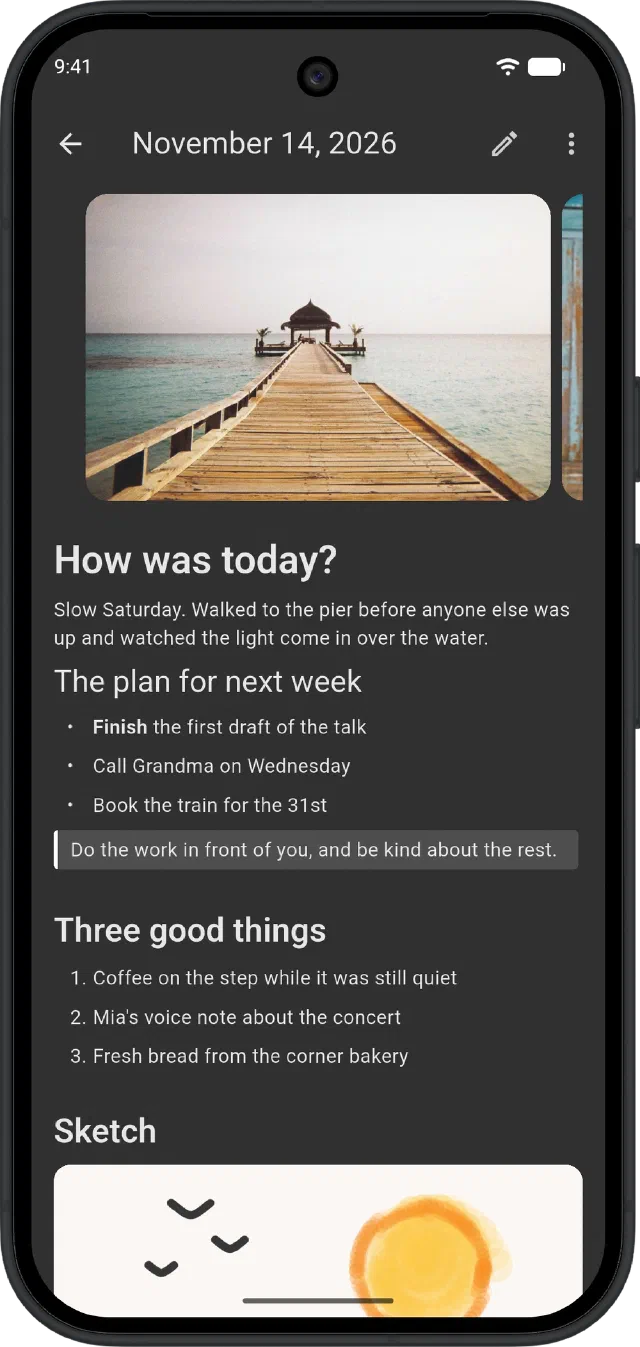
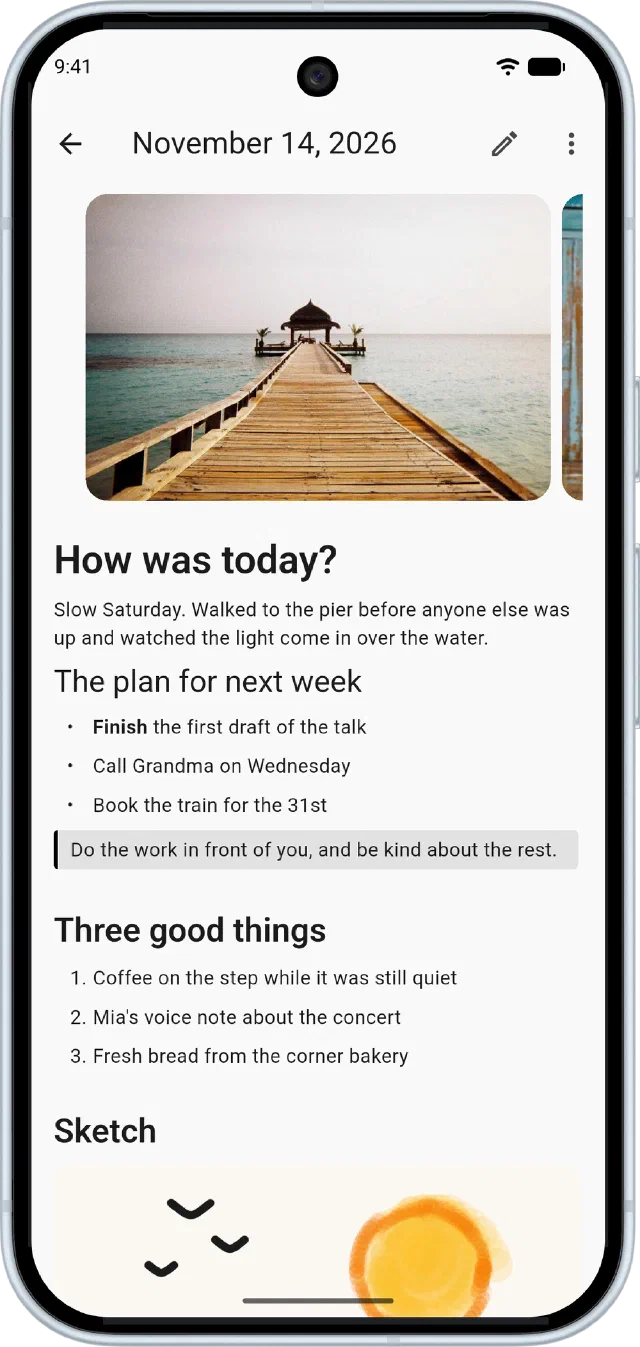
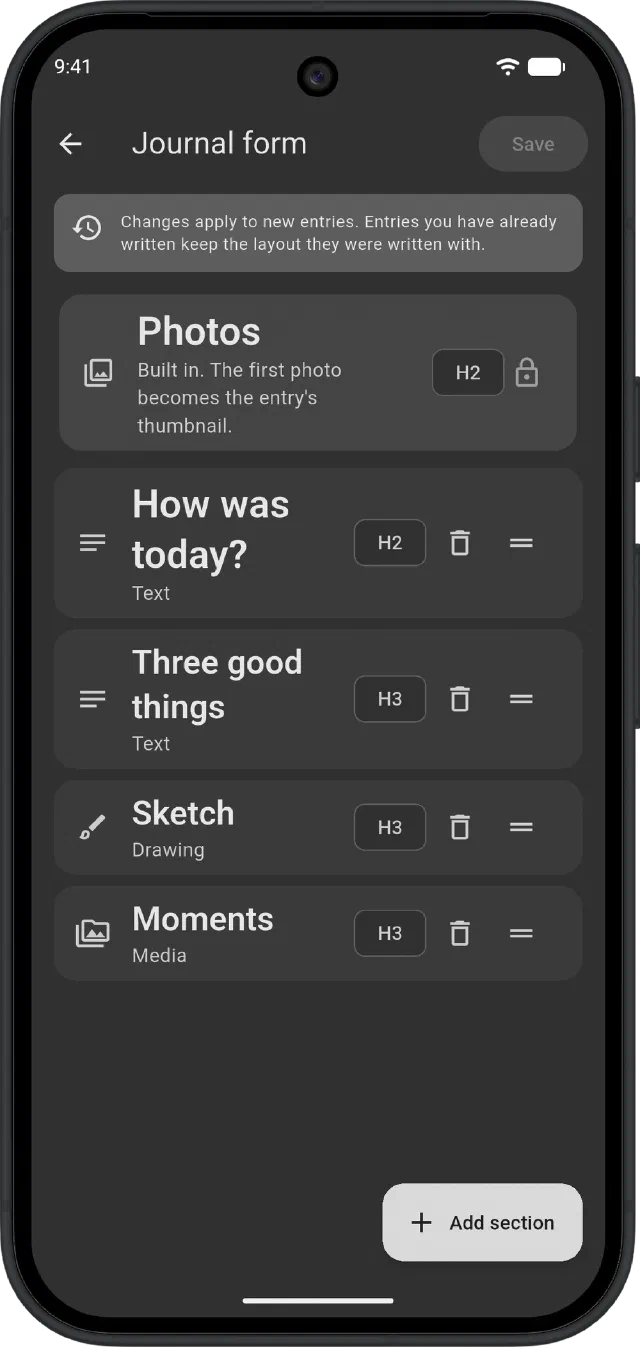
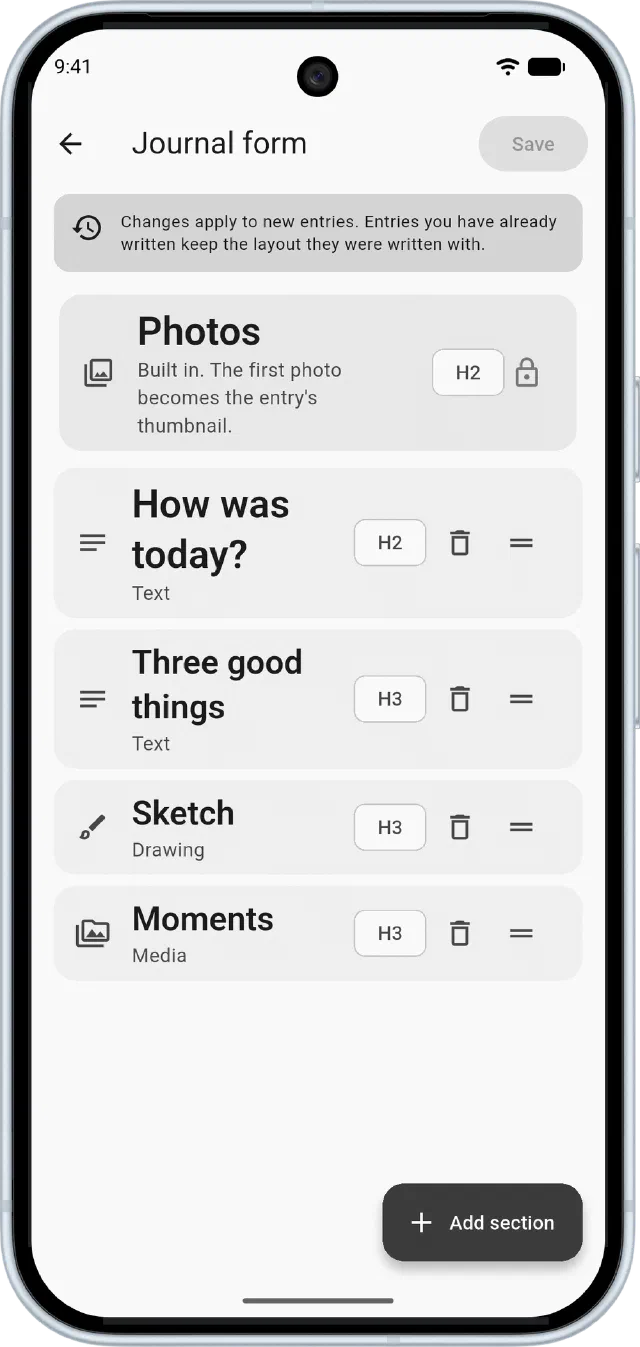
Design the page you fill in.
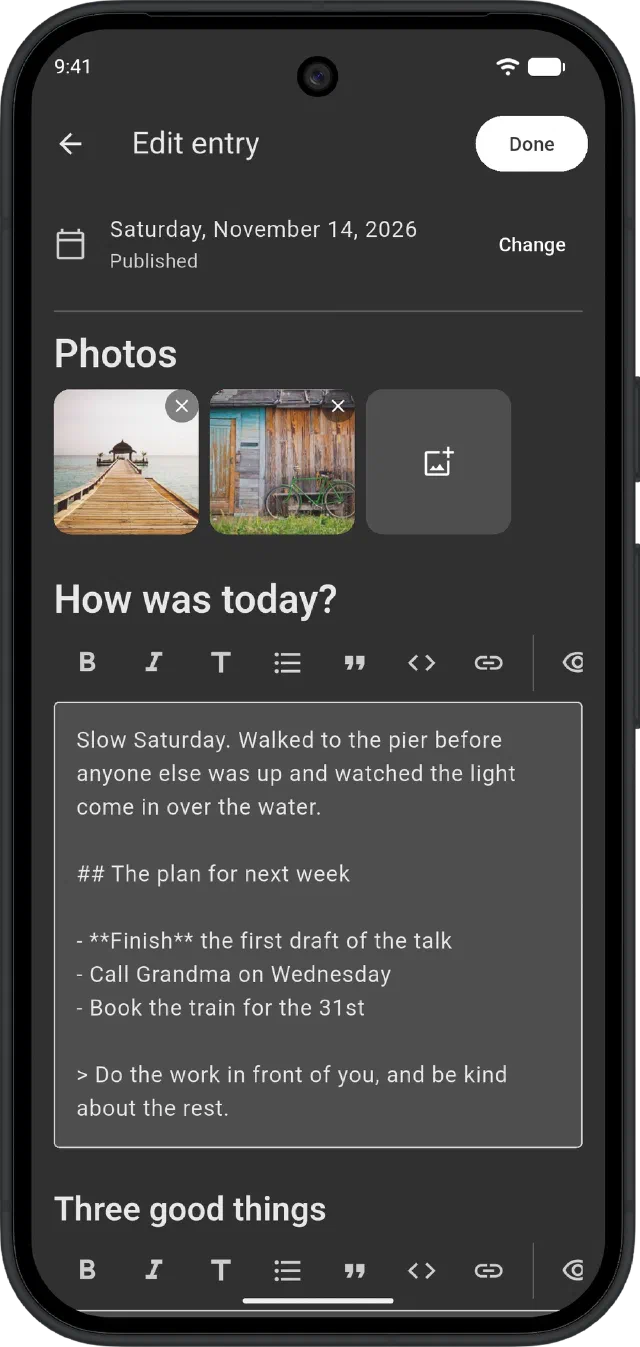
Mix text, sketch and photo sections in the order you want. Give each one its own title and heading size, and change the layout whenever you like. Old entries keep the layout they were written in.
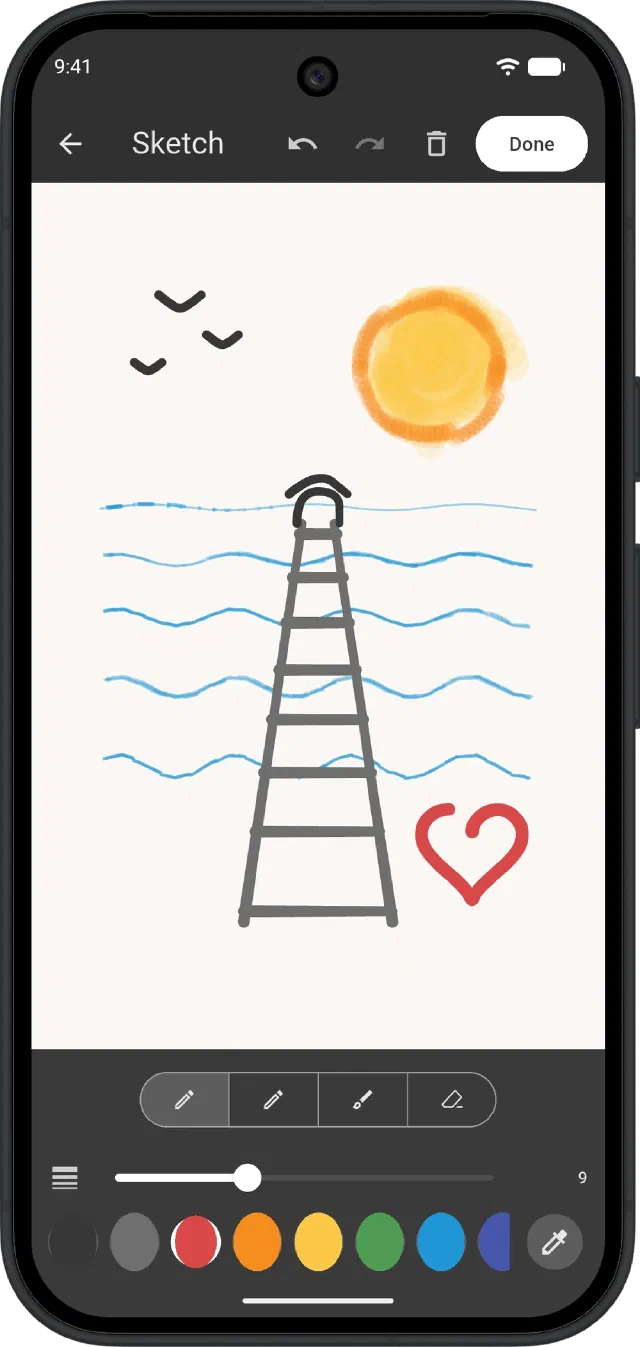
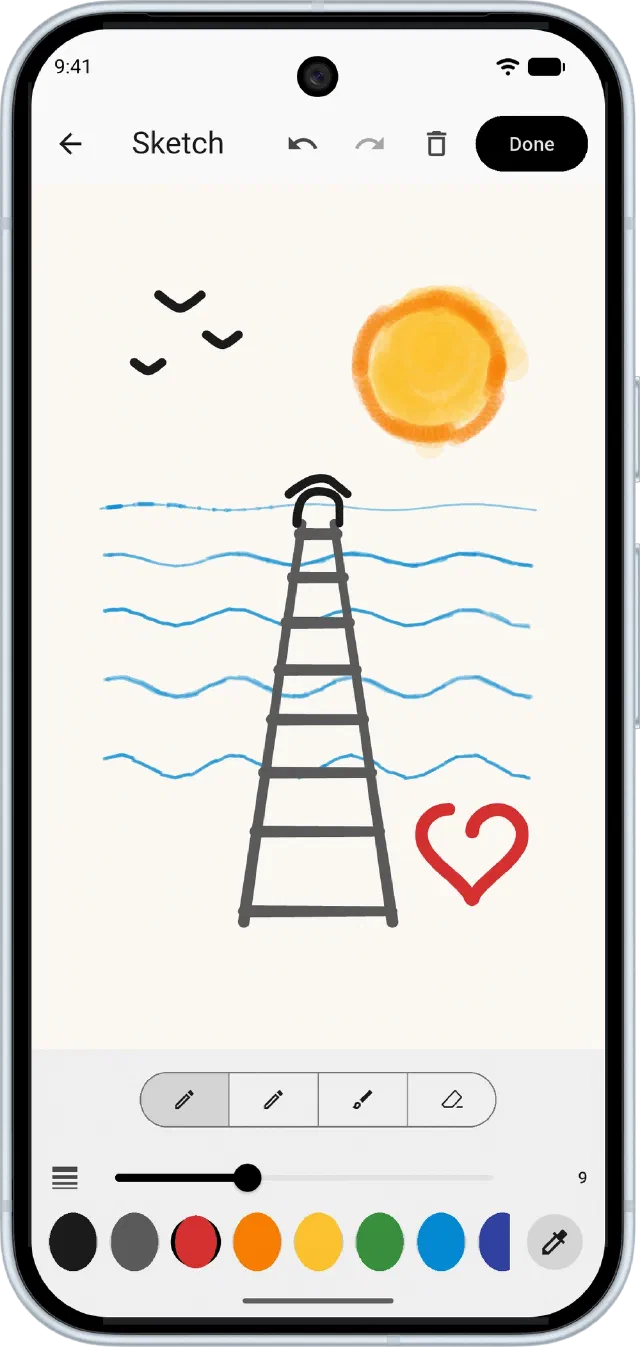
A sketchbook in every entry.
Pen, pencil and crayon in any colour, on a canvas that grows as you draw. With a stylus, lines follow pressure and tilt, and the eraser end rubs out. Your drawings stay editable, so you can come back to them.
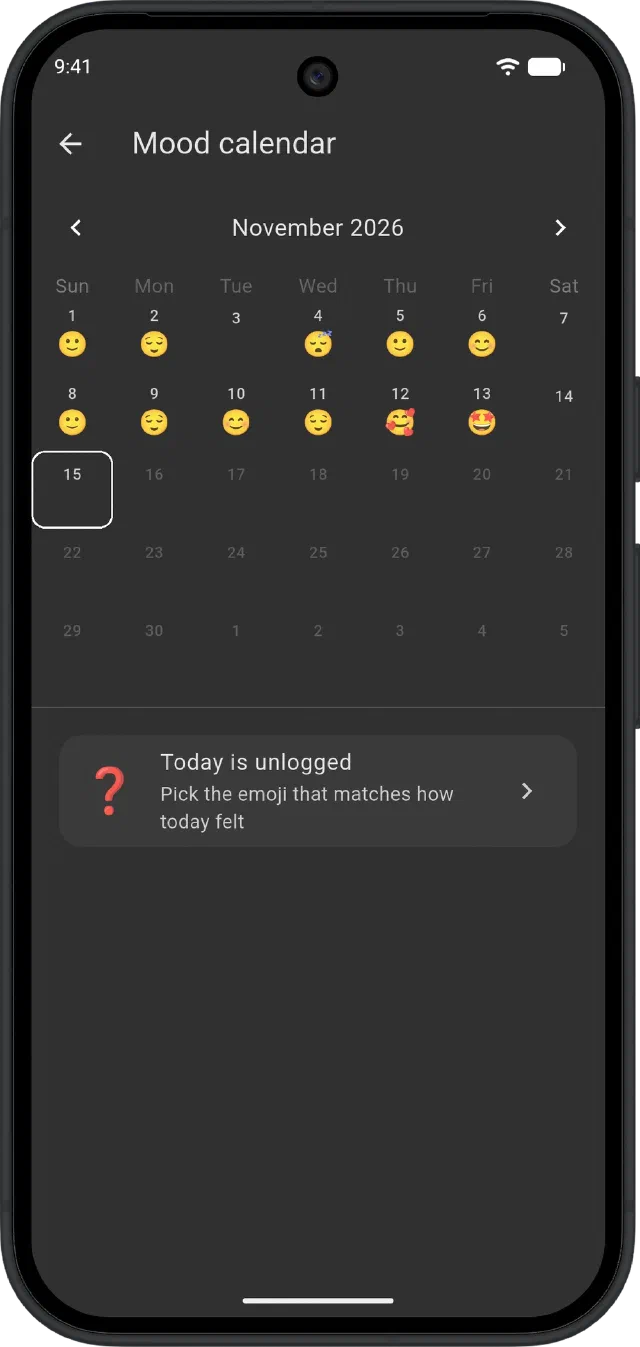
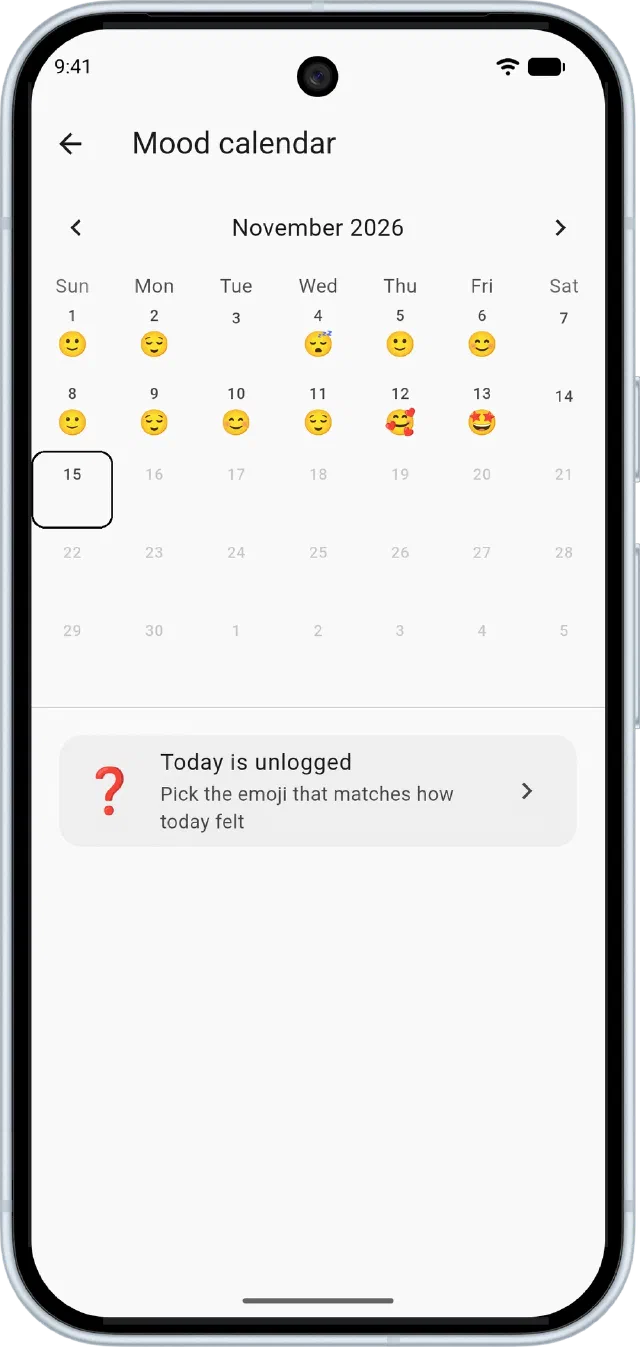
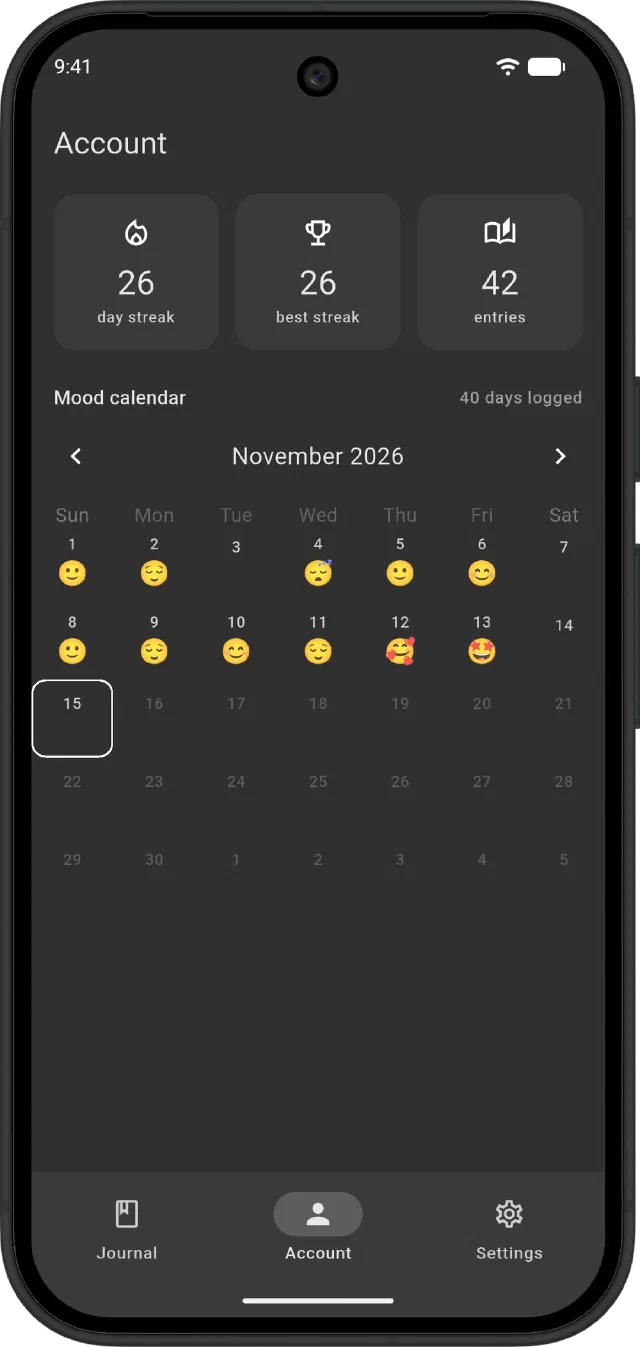
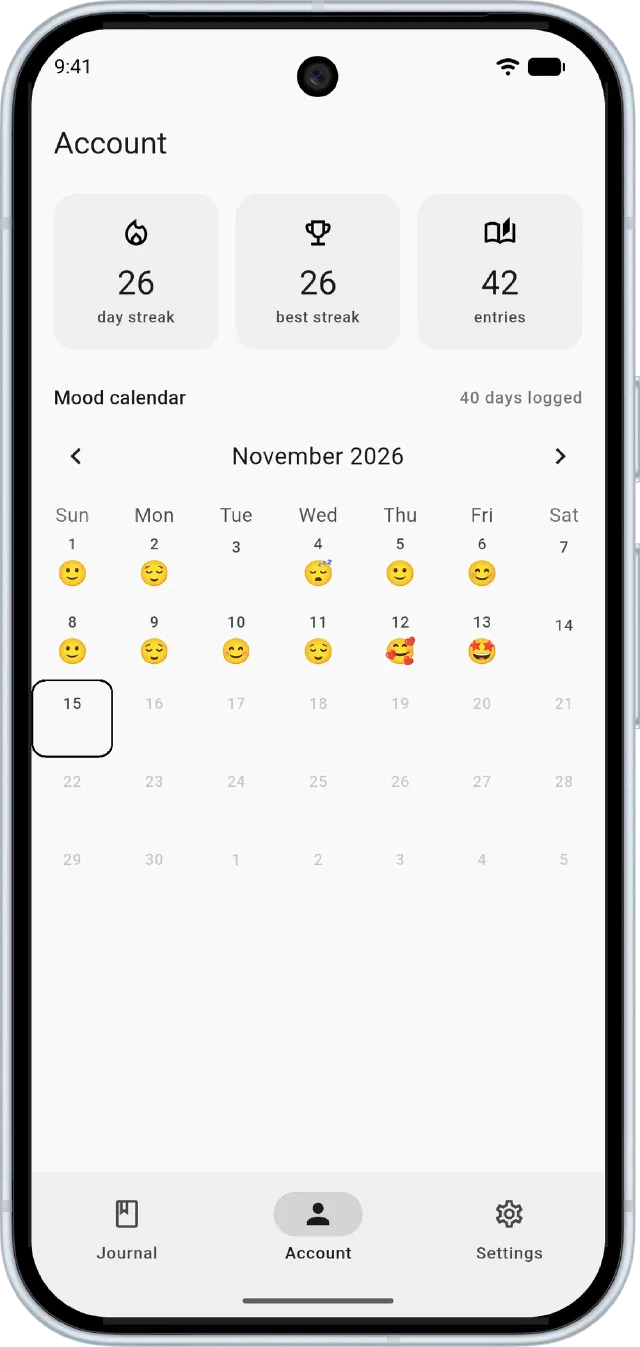
A month of moods at a glance.
Pick an emoji for each day from the full set, and add a note if you want to remember why.
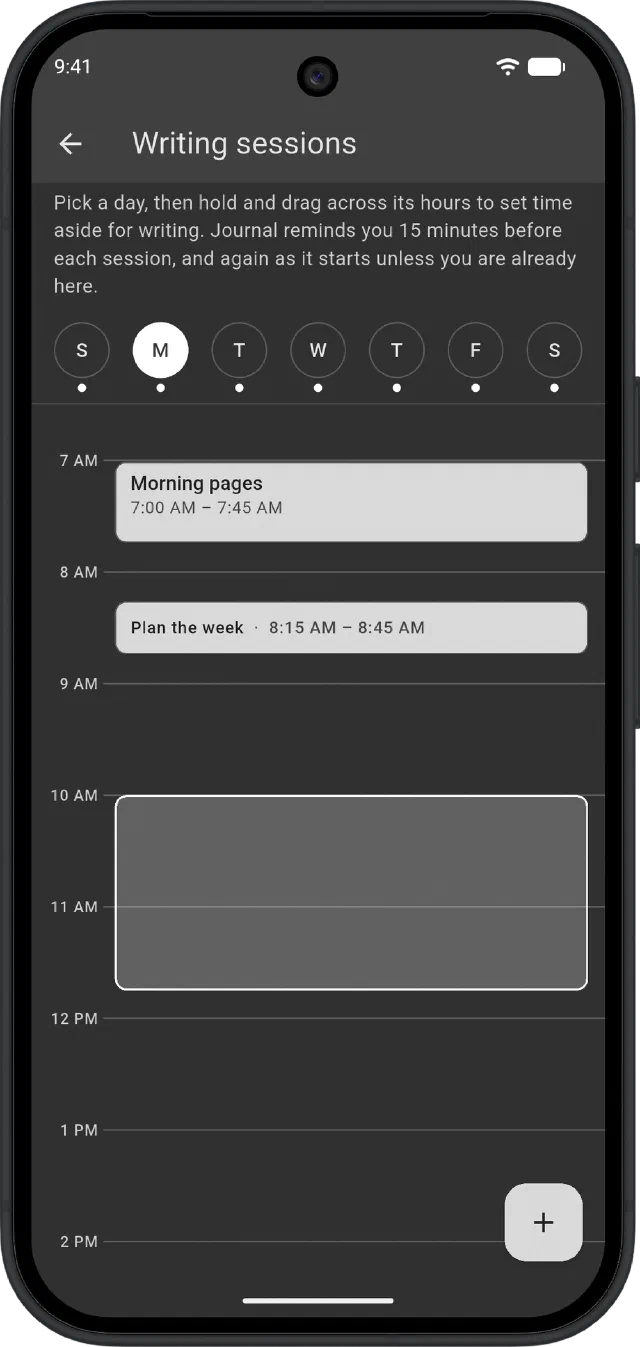
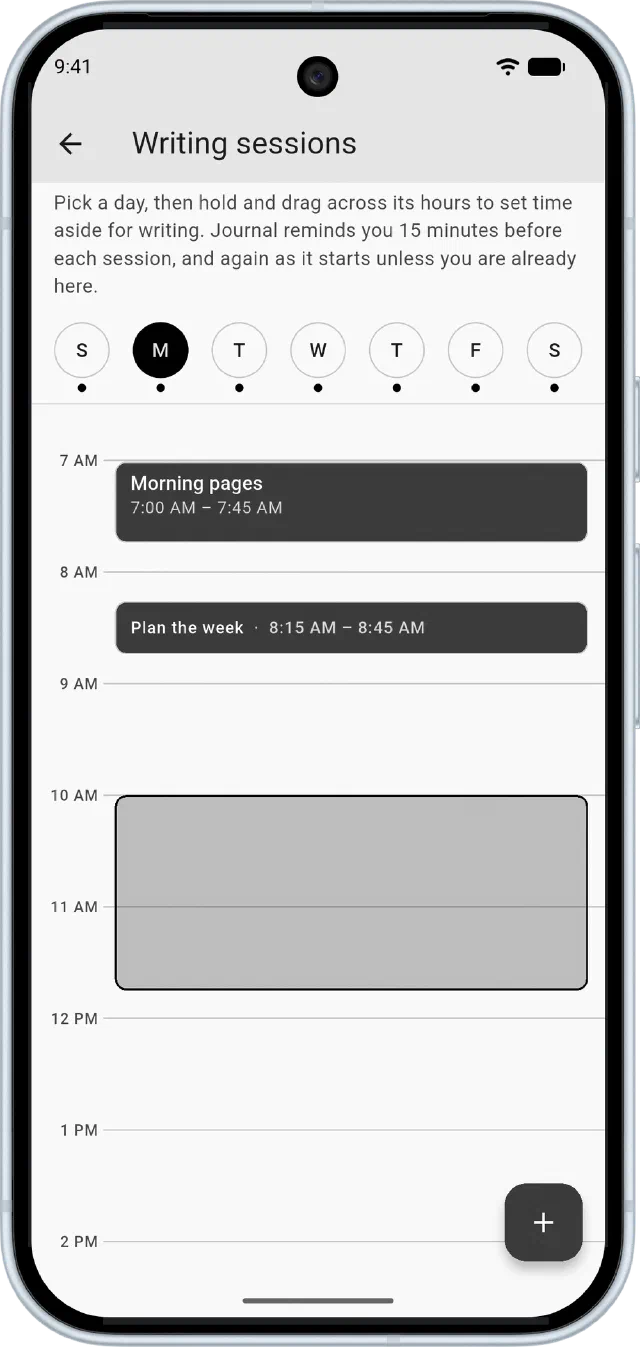
Make time to write.
Drag across any day of the week to set time aside for writing. Journal reminds you 15 minutes before and again as it starts, and streak reminders stop as soon as you have written for the day.
Your journal never leaves your phone.
Journal keeps everything on your device. We can't read your entries, because we never receive them.
- No account. Open the app and start writing. There's nothing to sign up for.
- No uploads. Entries, photos, sketches and moods are stored only on your device.
- No tracking. No analytics, no ads and no tracking SDKs.
The little things, done right.
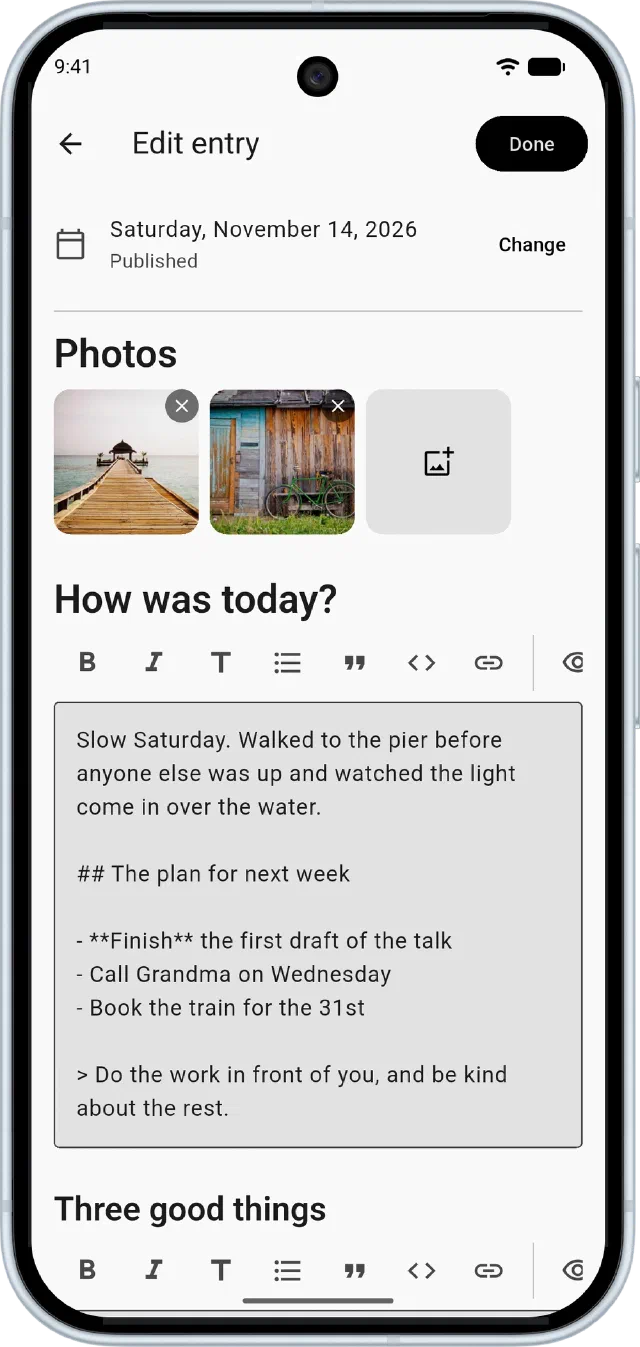
Write with Markdown.
Bold, headings, lists and quotes from a formatting bar, saved as you type.
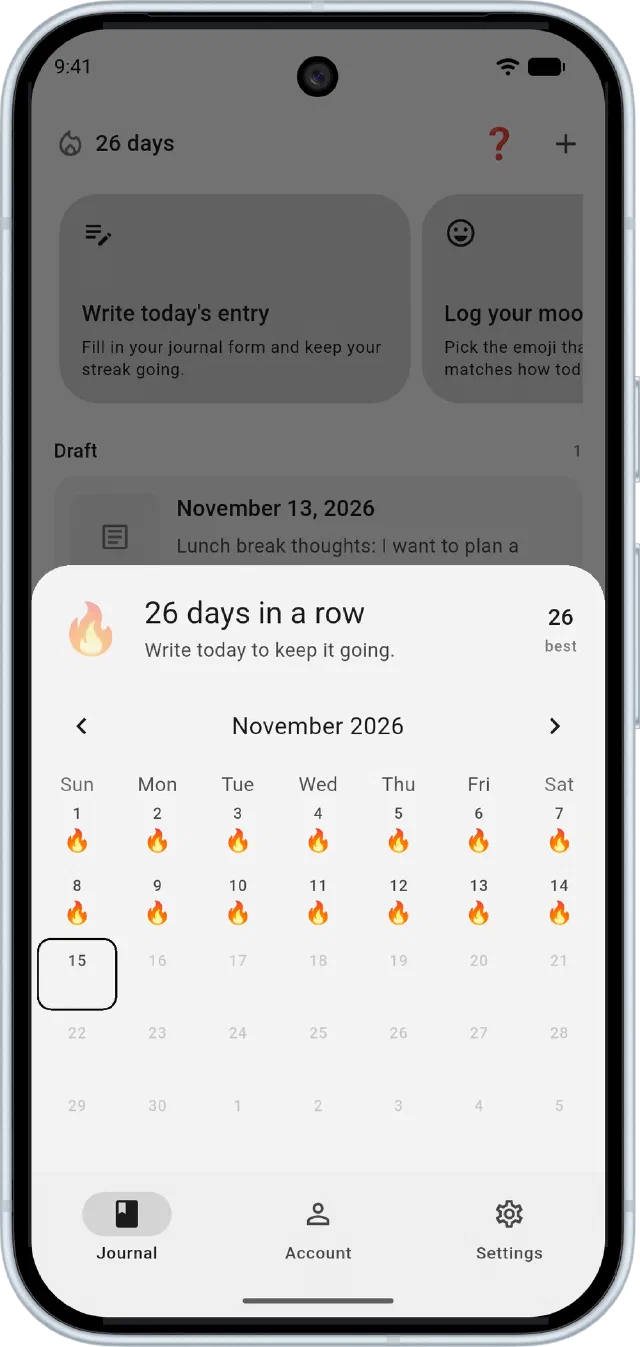
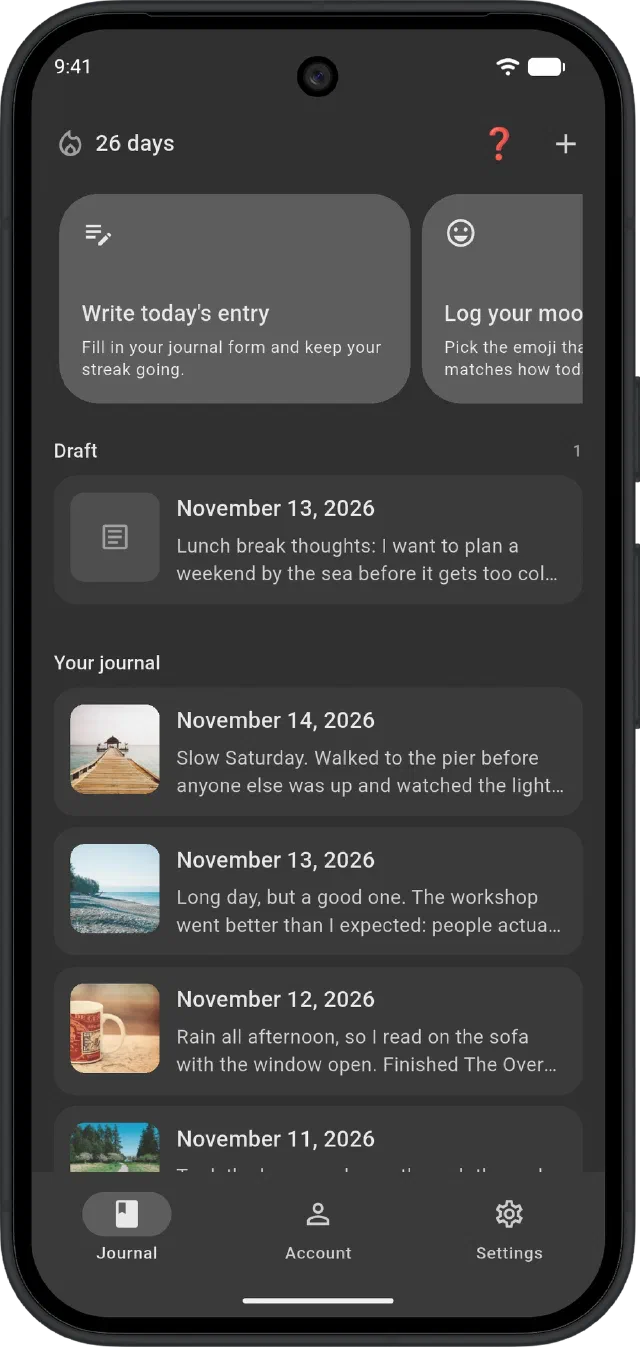
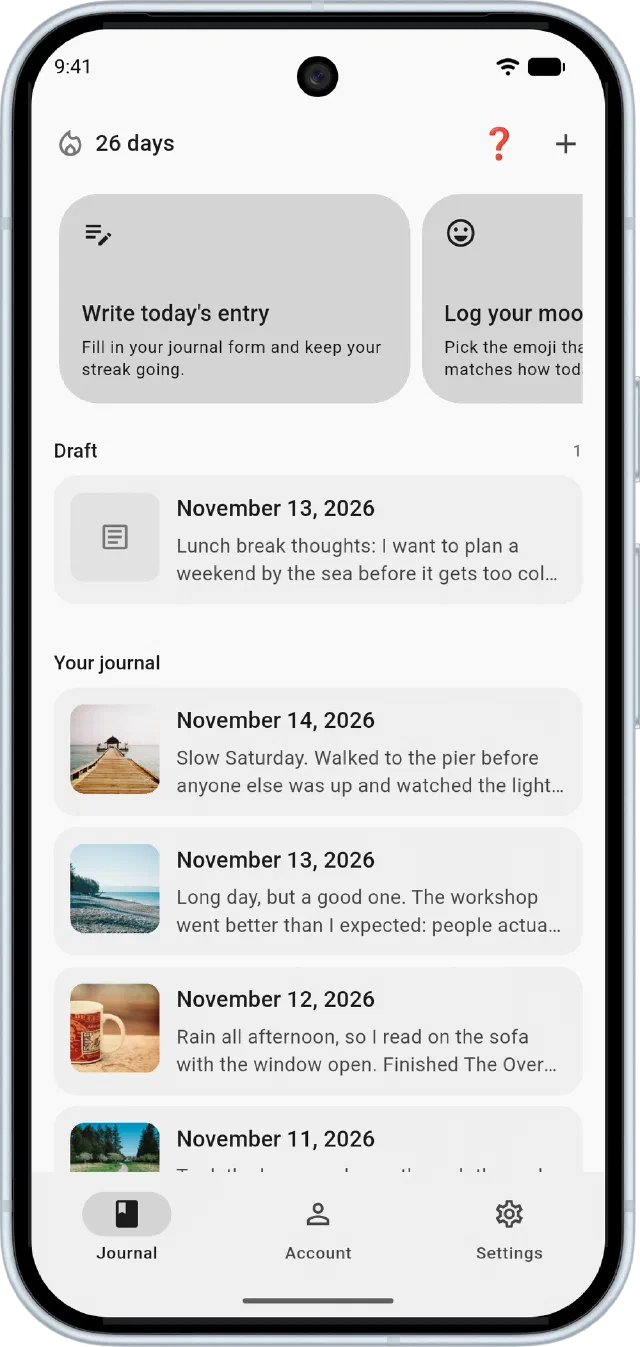
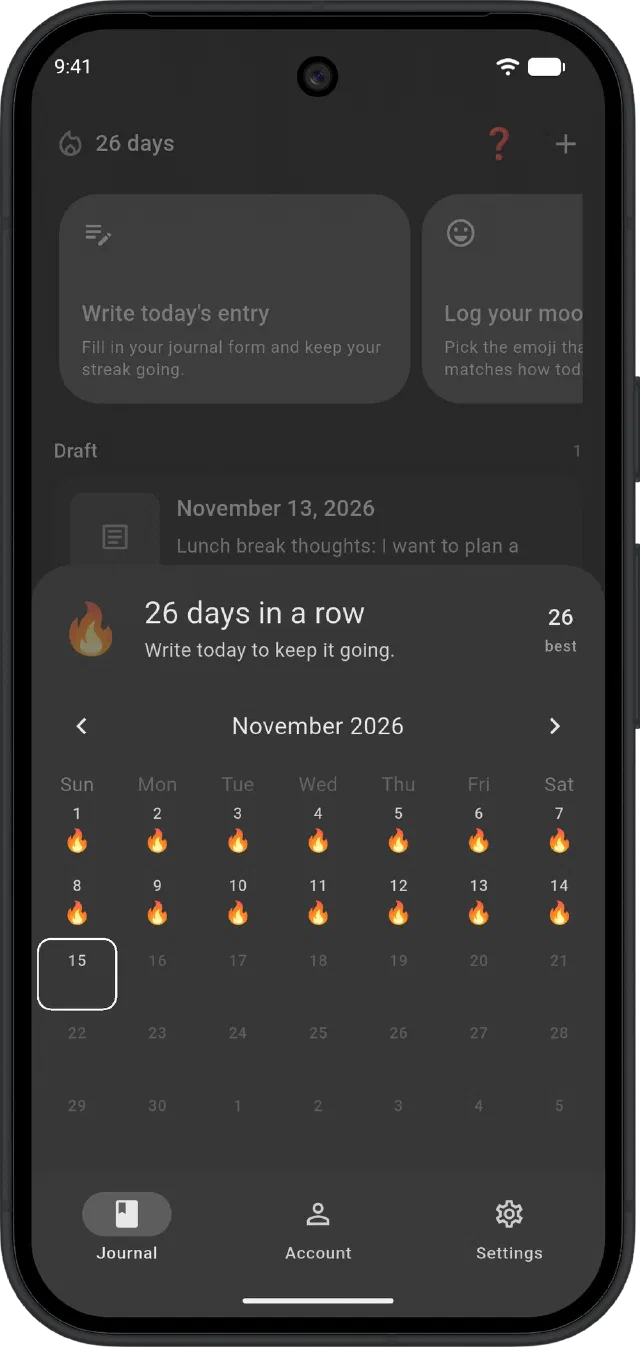
Keep your streak going.
See every day you wrote this month, and your best run so far.
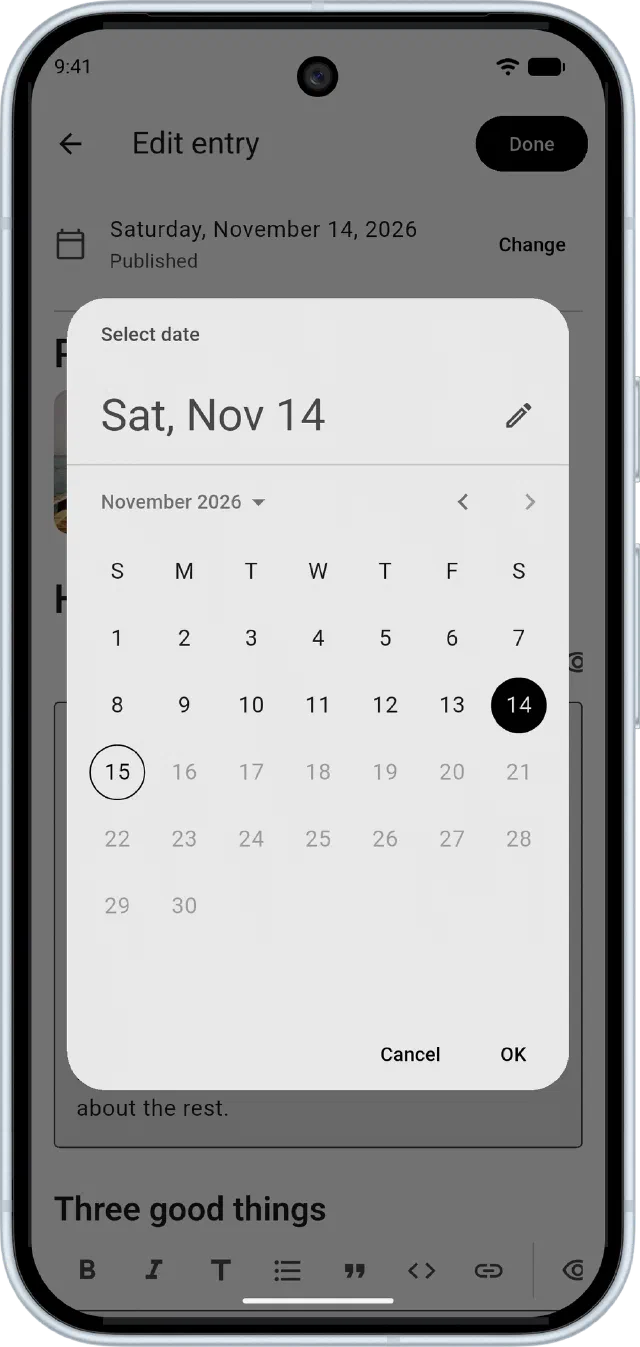
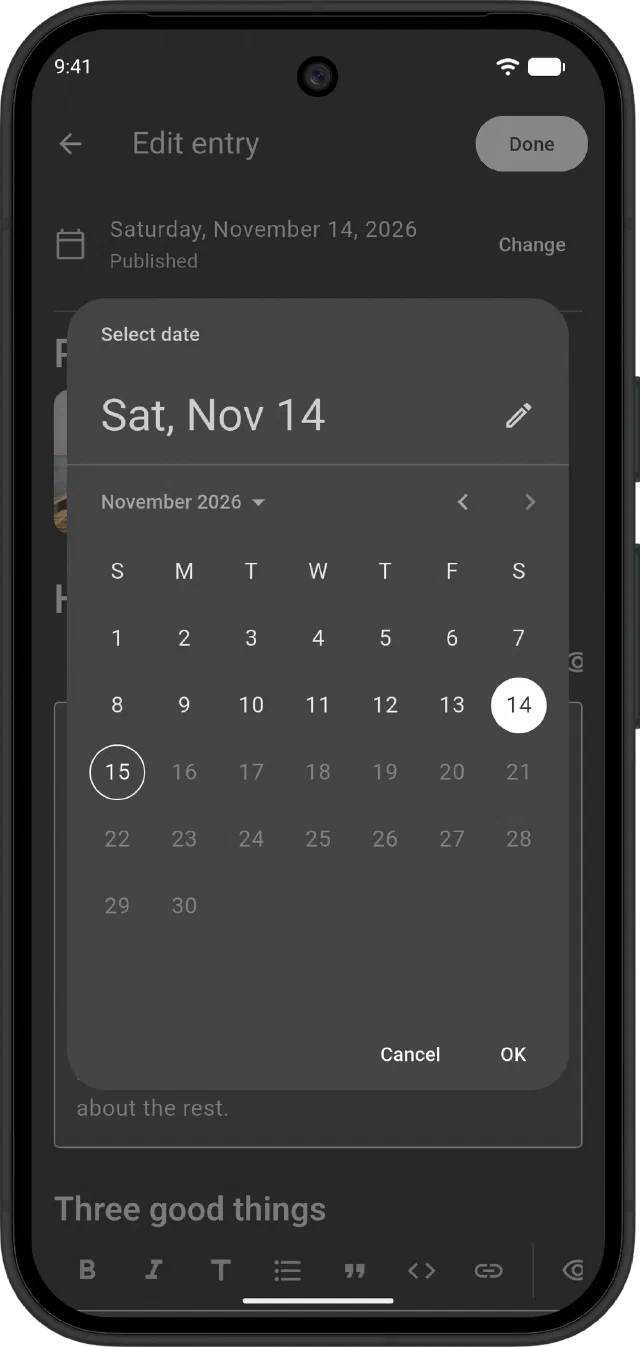
Missed a day? Backdate it.
Write it now and file it under the day it belongs to.
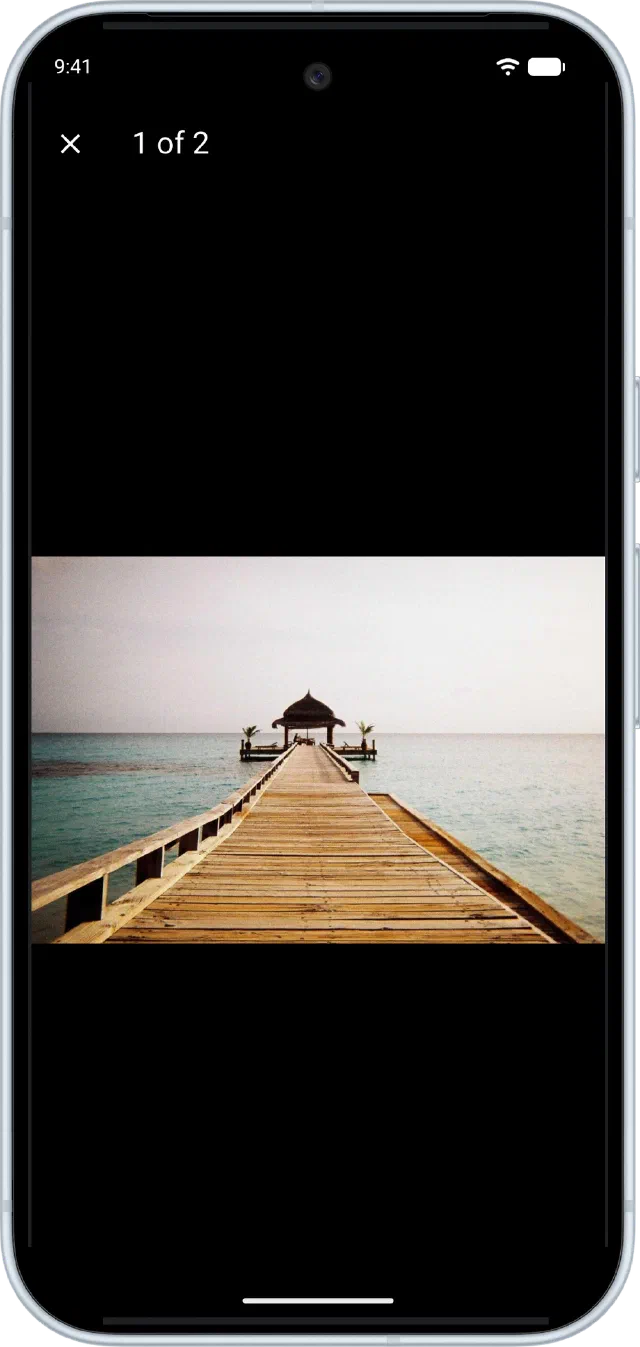
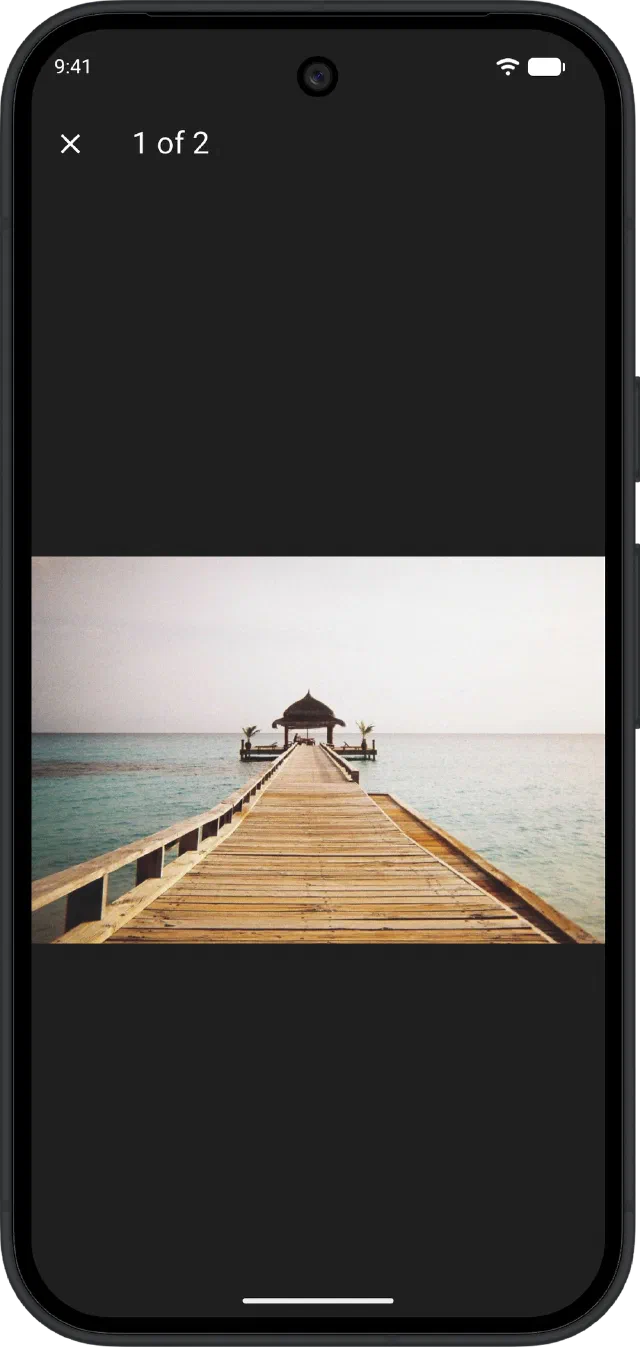
Photos at full size.
Open any picture full screen and zoom right in.
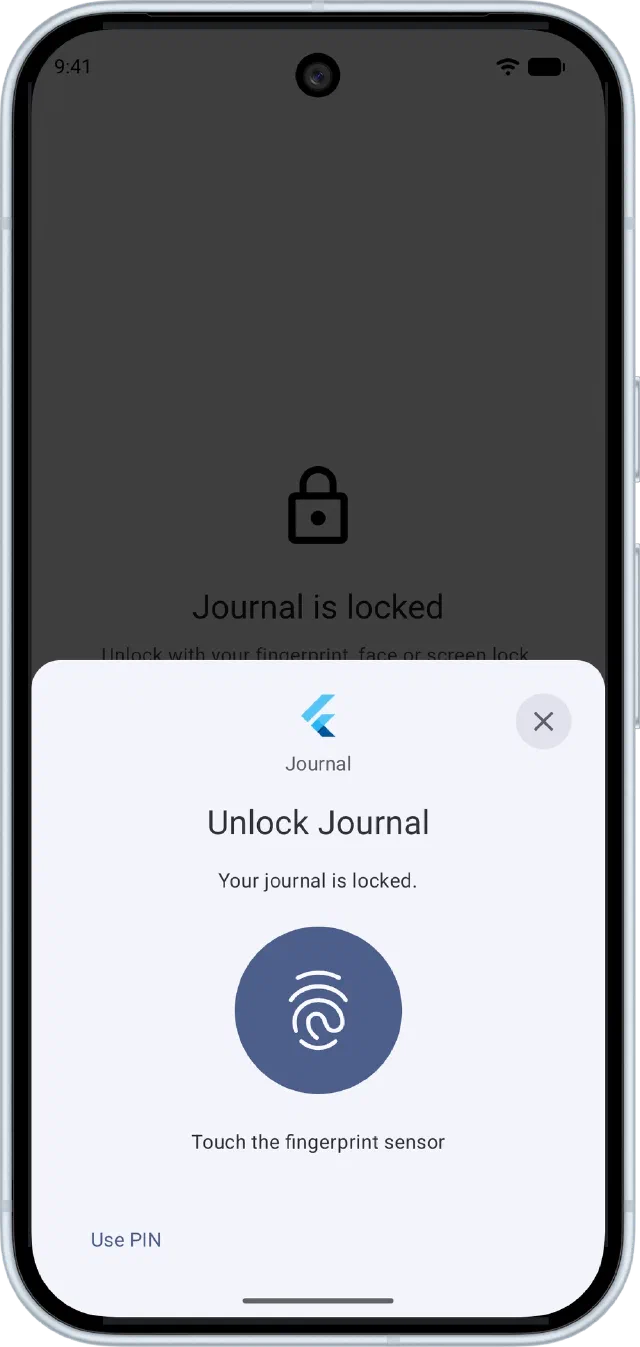
For your eyes only.
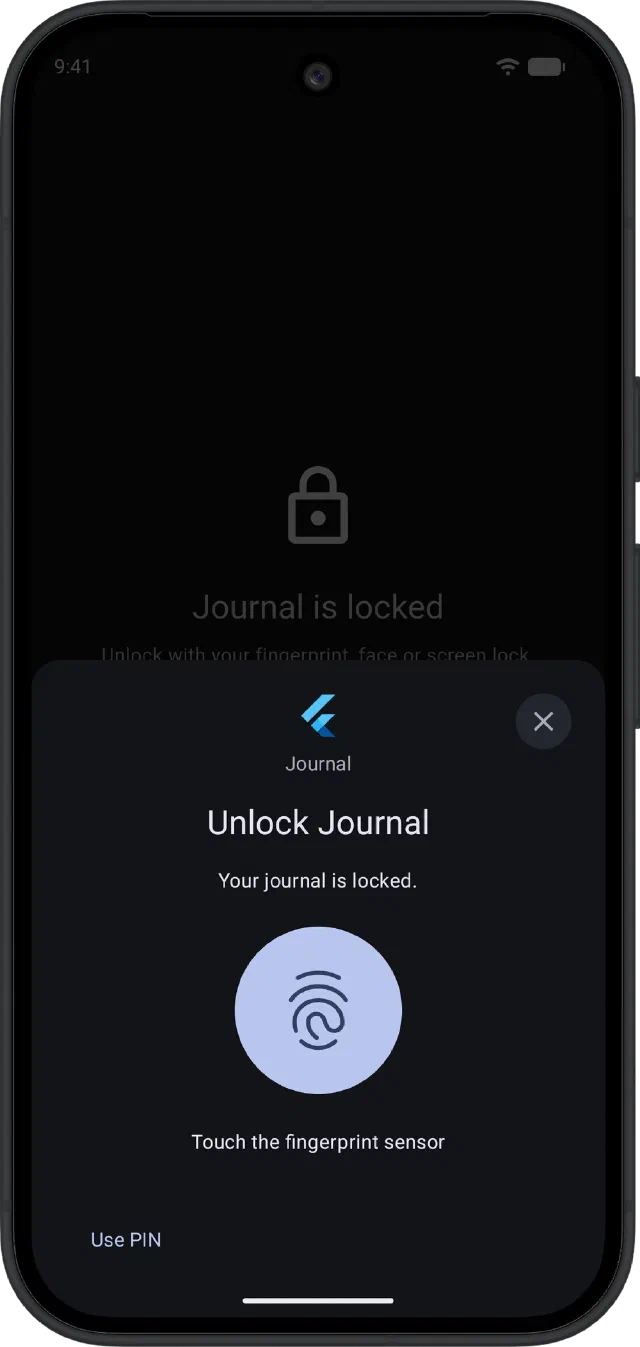
Open Journal with your fingerprint, face or screen lock.
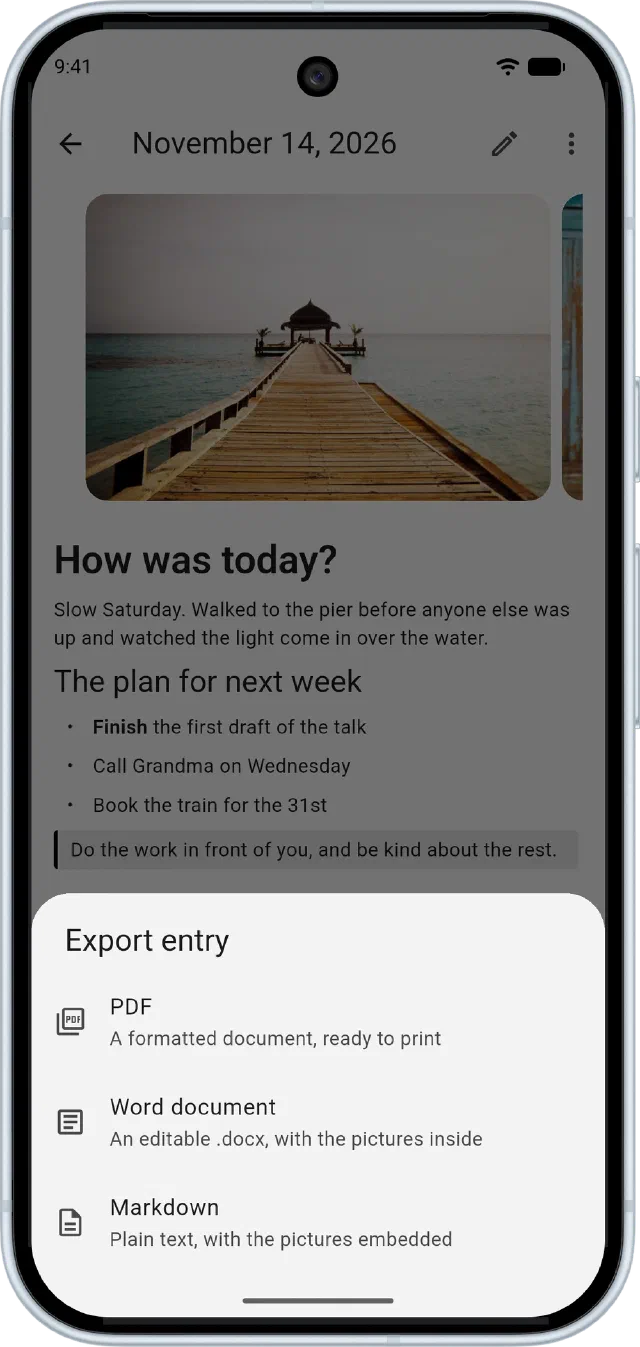
Take your entries anywhere.
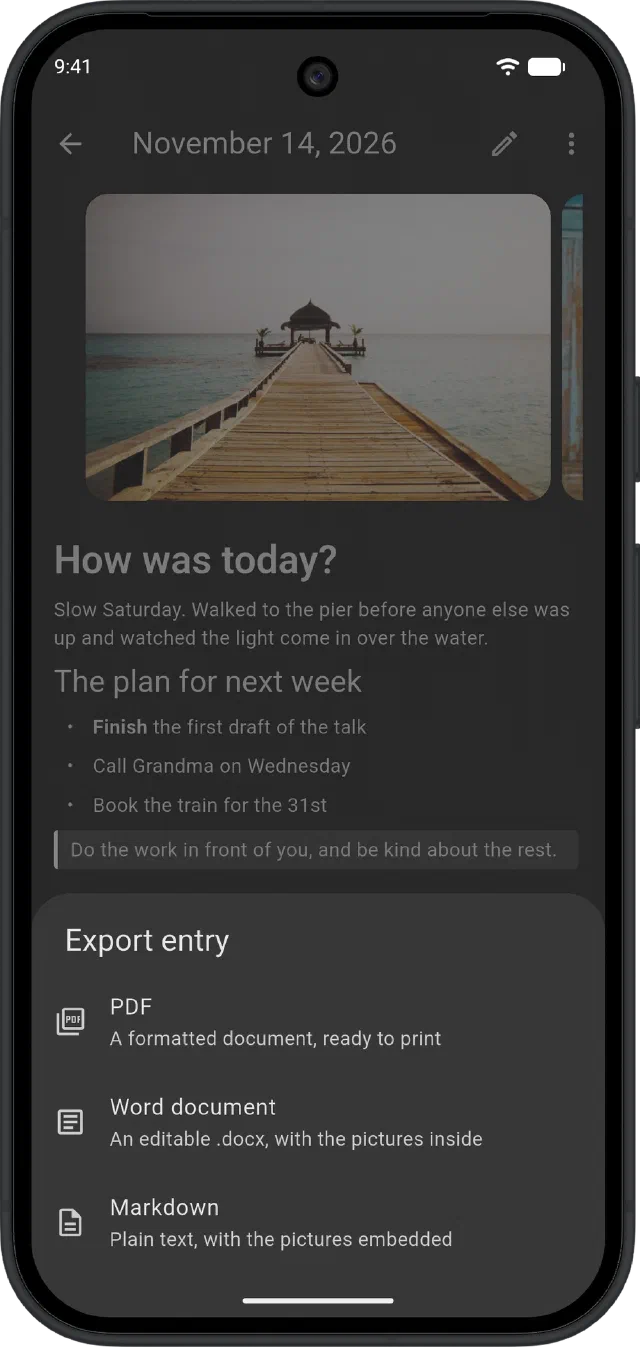
Export any day as a PDF, an editable Word document or Markdown, pictures included.
On your phone today. On your desk soon.
- AndroidPhones and tabletsGet it on Google Play
- iPhone & iPadWith Apple PencilComing soon
- WindowsDesktopComing soon
- macOSDesktopComing soon
- LinuxDesktopComing soon
Start today's page.
Design your journal in a minute, then make it a habit. No account, no ads, no tracking.